Quote clarity
A better scope leads to cleaner billing and fewer questions later in the process.

Teams using QuickBooks often want canopy projects to move from quote review into invoicing and payment tracking without losing the details that shaped the order. A cleaner handoff helps billing stay connected to the real scope of the canopy package.

The order usually runs better when product details, communication, and the next operational step stay in the same conversation.
A better scope leads to cleaner billing and fewer questions later in the process.
Deposits, balances, and invoice follow-up are easier when the order details are organized.
A workflow tied to the billing process helps teams keep accessories, print scope, and order changes visible.
A canopy project may include frame options, graphics, walls, banner kits, weights, and production timing considerations. When those details are defined clearly before billing moves forward, the project becomes much easier to track.
QuickBooks users usually benefit from a process that keeps approved scope and financial tracking aligned rather than treating them as separate conversations.
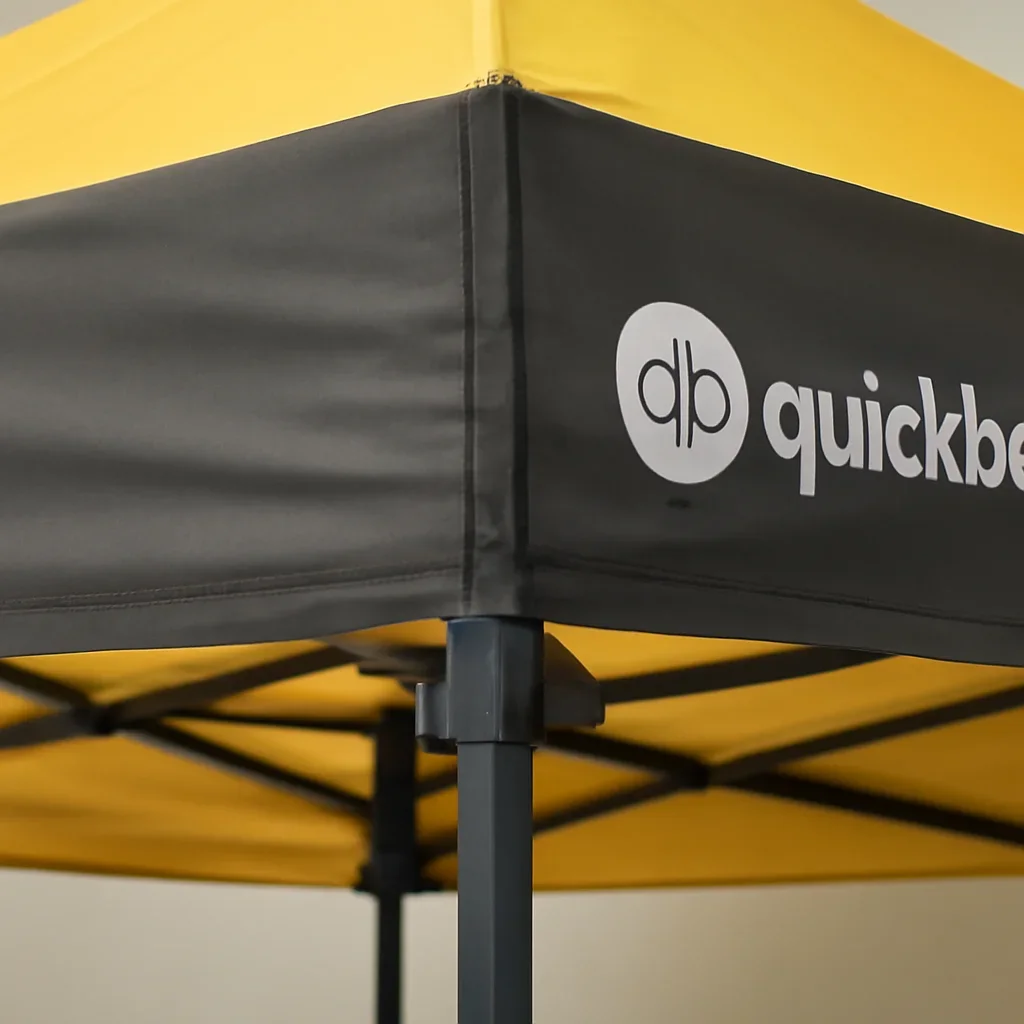
The more structured the internal process becomes, the less likely important canopy details are to get lost between teams.
Useful when project details need to stay visible around invoicing and payment status.
Helpful for teams that manage sales and billing closely together.
Especially useful when artwork approvals and accessory scope affect the final package.
These quick answers clarify what we mean by an integration-focused page in this context.
The focus here is on order workflow and billing alignment rather than a guaranteed technical connector.
Size, graphics scope, accessories, and approval status should all be clear before billing is finalized.
Because a canopy order can change meaningfully when print scope or accessories change.
If you already use a CRM, billing system, or storefront platform, share where the canopy process needs to stay organized. We will help you think through the order path in a way that fits the tools you already rely on.