Storefront-friendly structure
A clean product path helps buyers understand size, options, and next steps more easily.

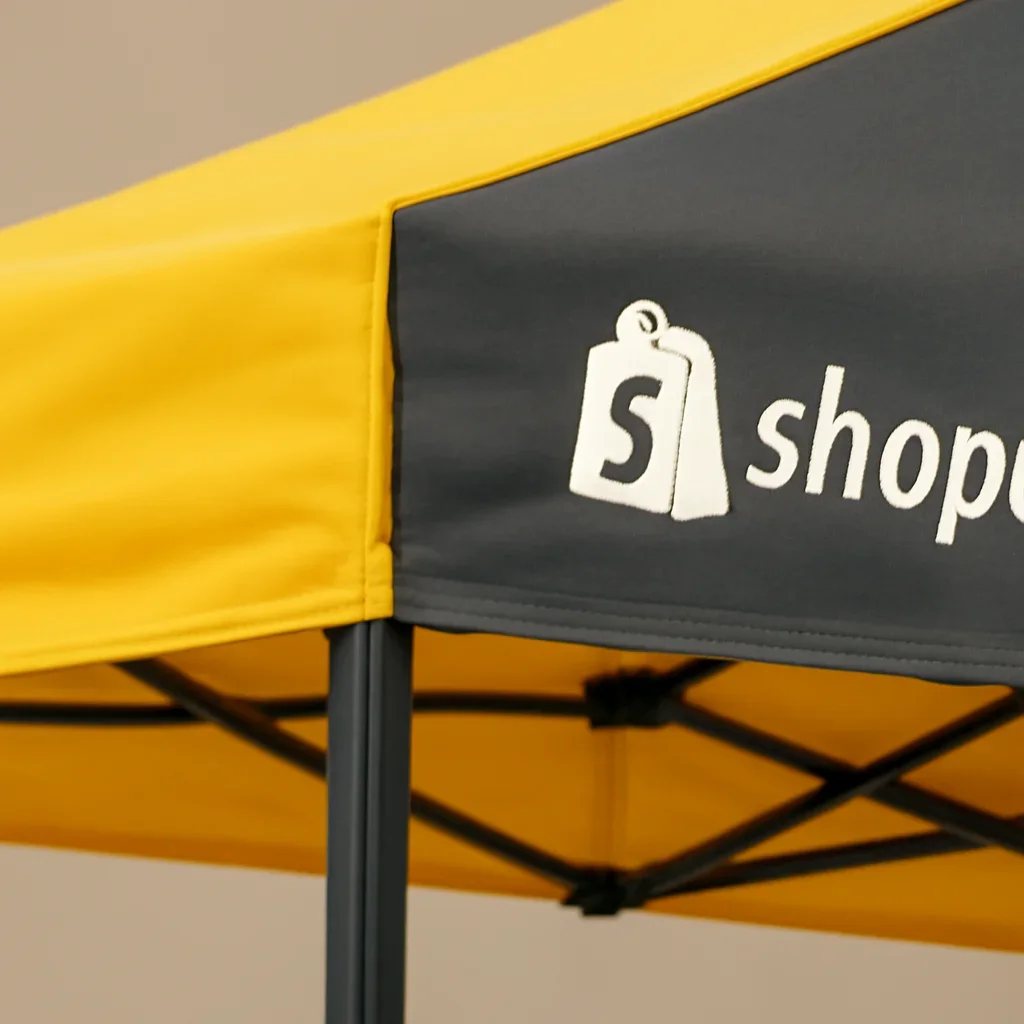
Teams using Shopify often want canopy products, options, and order notes to stay organized from storefront inquiry through artwork review and fulfillment planning. That matters even more when the order includes custom print, accessories, or multiple tent configurations.

The order usually runs better when product details, communication, and the next operational step stay in the same conversation.
A clean product path helps buyers understand size, options, and next steps more easily.
Walls, banners, and weights are easier to manage when the order structure is clear from the start.
Artwork needs and proof steps should stay visible when the order is more than a simple stock purchase.
A canopy storefront can be useful for browsing options and collecting product intent, but custom projects still need clear communication around graphics, accessories, and timing. The goal is to keep that process organized rather than forcing a standard retail model onto a more detailed order.
Teams that sell both stock and custom canopies benefit most when the storefront points buyers toward the right level of detail early.
The more structured the internal process becomes, the less likely important canopy details are to get lost between teams.
Useful when online product structure needs to stay aligned with real order scope.
Helpful when some orders are simple and others need artwork review.
A cleaner storefront and reorder path can save time for returning customers.
These quick answers clarify what we mean by an integration-focused page in this context.
Yes, but the process works best when it clearly separates browsing, option selection, and the extra communication custom orders require.
Size, base package direction, accessory paths, and whether the product is stock or custom should all be clear.
No. It focuses on workflow alignment and order structure rather than a specific app claim.
If you already use a CRM, billing system, or storefront platform, share where the canopy process needs to stay organized. We will help you think through the order path in a way that fits the tools you already rely on.